What Photos Look Best on Canvas: Your Ultimate Guide
Key Takeaways
- Bold, simple subjects, like landscapes, portraits, pets, black and white, and fine art, tend to look best on the textured surface of canvas;
- Aim for 150–240 ppi at your chosen size; crop intentionally and keep key details away from gallery-wrapped edges;
- Natural light, gentle contrast, and accurate color will usually print better than heavy filters or over-saturated edits;
- If you love the canvas look but want nail-free hanging, choose Mixtiles’ matte, repositionable canvas prints.
Canvas prints turn favorite photos into gallery-worthy wall art with warmth and texture. But not every image shines on canvas. In this guide, we will show you exactly what photos look best on canvas, how to prep files for crisp results, and how to choose the right size and orientation for your space. You will also find styling tips, smart cropping for wrapped edges, and an easy, renter-friendly alternative with Mixtiles’ adhesive, repositionable canvas prints.
Turn your favorite photos into stunning wall arts. Create beautiful, high-quality custom canvas prints online in minutes at Mixtiles.
So, what photos look best on canvas?
The best canvas prints usually feature a clear focal point, simple composition, and good light. Landscapes, family portraits, pets, black and white photography, and fine art or illustrations tend to work especially well because the texture of canvas flatters bold shapes and softens ultra-fine detail.
Landscapes and travel

Big skies, oceans, mountains, and forests make a striking canvas print. Strong horizons, leading lines, and uncluttered scenes read well from across a room. Panoramic images or custom canvas prints sized to your wall can become a perfect focal piece for your home.
Portraits and family moments

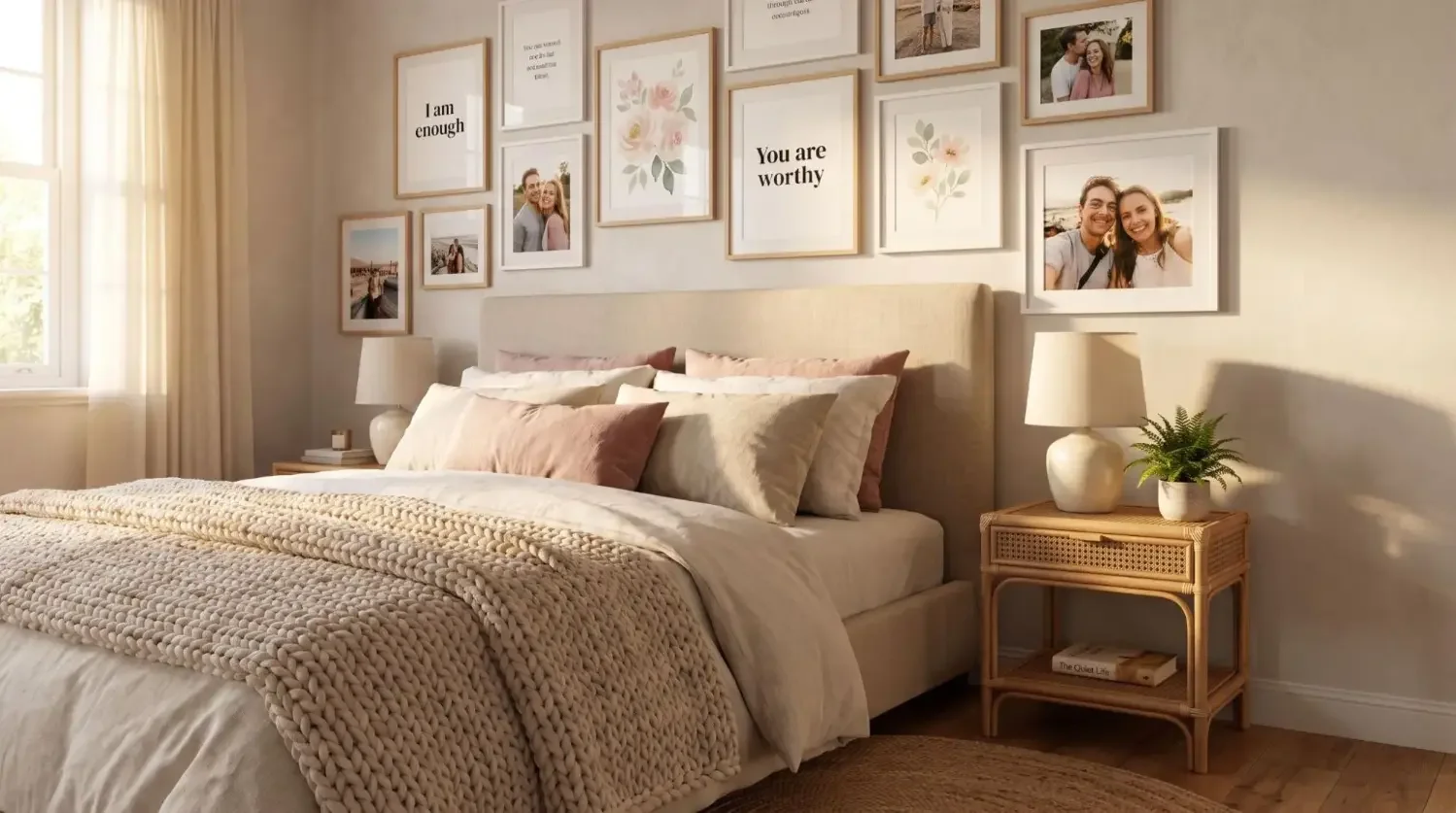
Canvas softens skin texture in a flattering way. Choose images with natural expressions and clean backgrounds. Wedding portraits and family photos with warm, even light print beautifully and feel personal. If you want additional framing, framed prints can also complement a canvas-led gallery wall.
Black and white and fine art

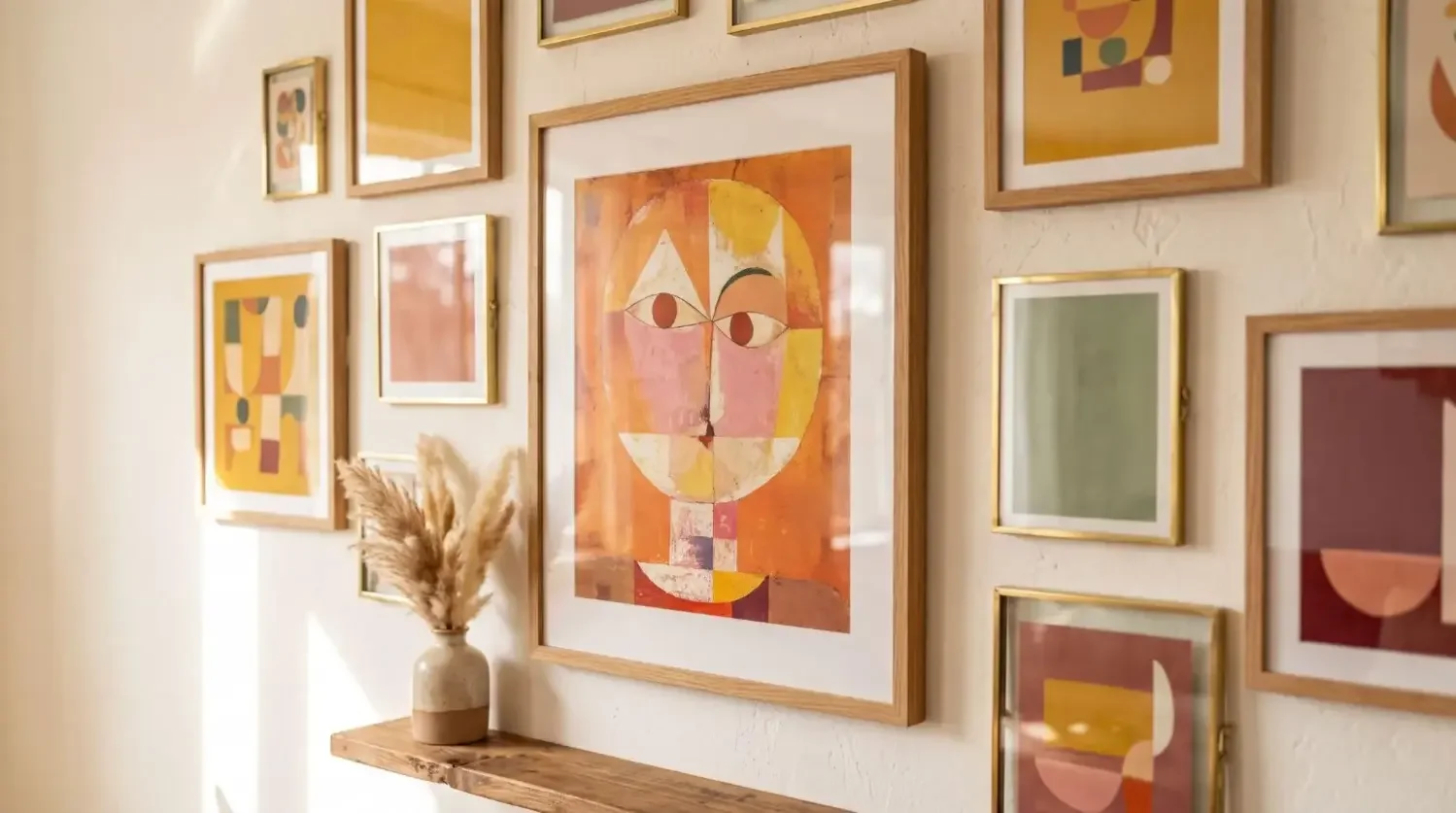
High-contrast black and white images gain depth on canvas. The matte surface emphasizes tone and form. Illustrations, minimal graphics, and digital art also look good on canvas since the fabric texture adds a subtle, artful finish. If you are torn between a glossy, ultra-crisp look and the textured warmth of canvas, see our acrylic print vs canvas comparison to decide what suits your photo best.
Pets, details, and minimal subjects

Close-ups, architectural details, or a single flower against negative space can make a powerful custom canvas print. The simpler the story, the better viewers will see it at typical viewing distances. For a truly unique piece, you can even turn your favorite shot into an AI pet portrait.
How sharp does my photo need to be for canvas?
Canvas is forgiving, yet clarity still matters. A practical target is 150–240 ppi at your final print size. If your file is smaller, reduce the canvas size to keep details crisp. Smartphone images often work very well at small to medium sizes when you start with clean light and the original file.
Resolution and ppi, made simple
Match your pixels to your canvas size. The table below lists popular sizes and the minimum pixel dimensions for quality canvas prints at 150 ppi, plus metric conversions to help you choose the best fit for your space.
|
Canvas Size (inches) |
Canvas Size (cm) |
Minimum Pixels at 150 ppi |
|---|---|---|
|
20.32 × 20.32 |
1200 × 1200 |
|
|
30.48 × 30.48 |
1800 × 1800 |
|
|
12 × 16 |
30.48 × 40.64 |
1800 × 2400 |
|
16 × 20 |
40.64 × 50.80 |
2400 × 3000 |
|
20 × 27 |
50.80 × 68.58 |
3000 × 4050 |
|
27 × 36 |
68.58 × 91.44 |
4050 × 5400 |
|
22 × 44 |
55.88 × 111.76 |
3300 × 6600 |
Smartphone photos: yes, if you shoot smart
Use the main 1x lens rather than digital zoom. Shoot in bright, even light to avoid noise. Export the original image from your camera roll, not a screenshot or a compressed messaging copy. With these tips, phone photography can make high quality, ready to hang canvas prints at small to mid sizes.
File tips
JPG or PNG works well for printing. Avoid heavy compression or over-editing that can add artifacts or banding. If you want to make light fixes, adjust exposure, white balance, and gentle contrast only. This will help the print look natural on the texture of canvas.
How should I crop and compose for gallery-wrapped edges?
Keep essential details on the front face of the print and allow room for the wrap. Gallery wrapped canvas extends your image around the edges, so avoid placing faces, text, or signatures at the borders.
Keep key details away from borders
Plan a safe margin so nothing important disappears around the edges. If your image has edge-to-edge action, consider a slightly larger crop or choose a Mixtiles framed option where the entire image stays on the front.
Match crop to canvas shape
Portrait orientation suits people photos. Landscape orientation suits wide scenes. Square works well with centered subjects. Always preview the final crop at full size before you order or make a custom canvas.
Think viewing distance
Over a sofa or bed, viewers stand a few feet back. Bold shapes, mid-tone contrast, and clean backgrounds stay legible. Fine textures that look perfect on small photo prints can soften on canvas from a distance.
Do color choices and filters affect canvas results?
Yes. Natural color and clean light usually get the best results. Heavy filters can shift skin tones, crush shadows, or introduce noise that becomes more visible when printed on canvas.
Color that pops, without overdoing it
A slight exposure lift and a small contrast curve can help your image look crisp. Avoid neon saturation that reduces subtle gradients. Canvas will translate rich, balanced color very well.
Black and white that sings
Convert intentionally and protect the midtones. True blacks and bright whites add drama, while the fabric surface deepens the look for a classic gallery effect.
Avoid heavy filters
Stylistic filters can date quickly and often exaggerate artifacts. If you like a certain mood, apply it with light-touch edits rather than extreme effects. Your canvas print will feel more timeless.
See your vision come to life. Use our app to arrange your favorite photo tiles and design the perfect photo gallery wall for your space before you order.
What size canvas works best in my space?
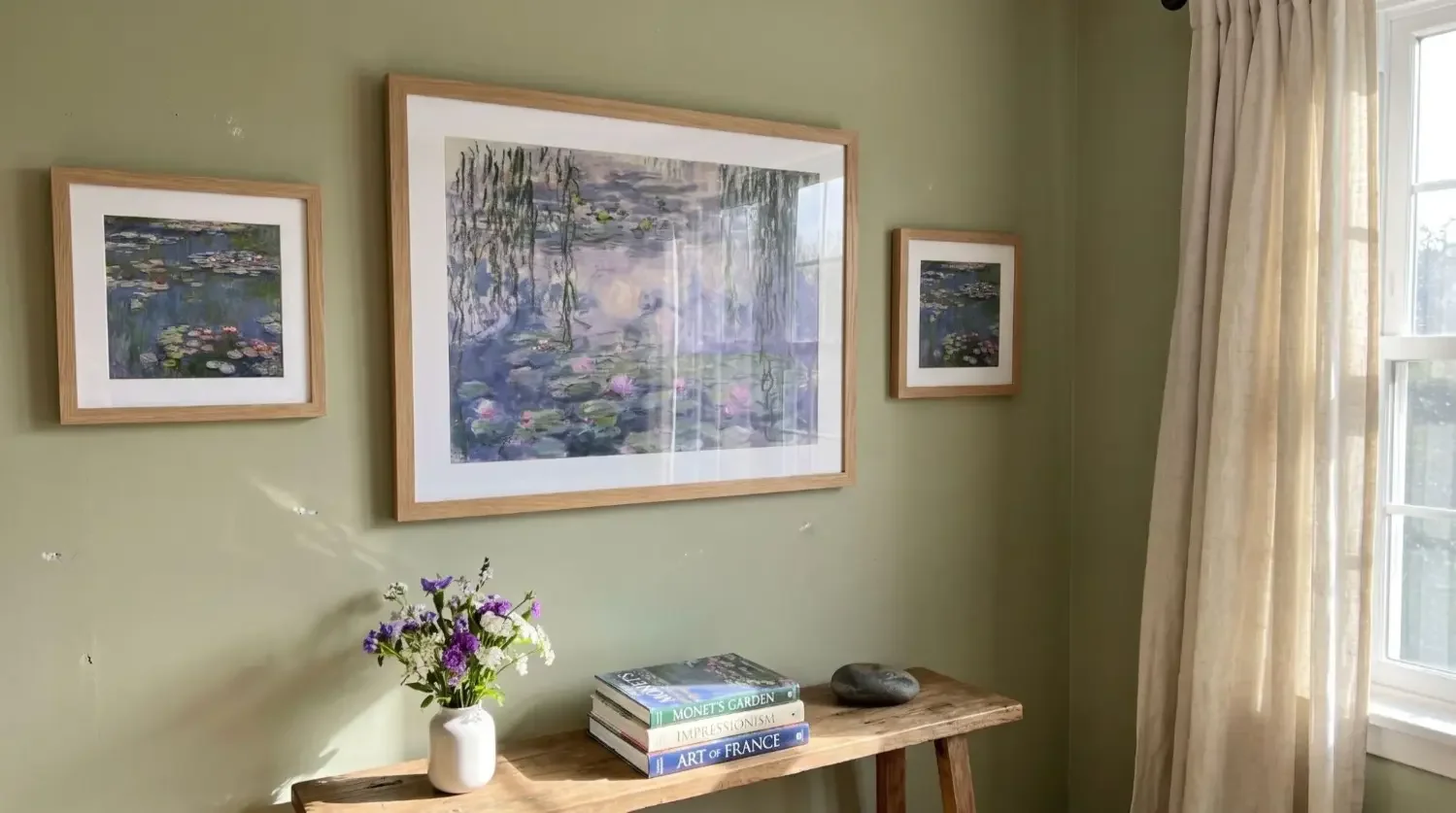
Scale to the wall and to nearby furniture. Large pieces anchor big walls, while smaller sizes layer well in gallery walls. Align widths with sofas or beds, and hang centers near eye level for a polished, interior-designer look. For more room-by-room guidance, explore canvas sizes for walls to pick proportions that feel balanced.
Large statements
Choose 24 inches and up to make a bold focal point. Over furniture, aim for a print width between one-half and two-thirds of the furniture width for balance. A 27 × 36 gallery wrapped canvas can turn a travel image into showstopping wall art.
Medium accents
Sizes in the 12 to 20 inch range work well for kitchens, hallways, and home offices. They are also ideal for grouping family images in a tight grid.
Small spaces
Eight to twelve inch tiles add personality to entryways or desks. Group three in a row for rhythm, or stack two to highlight just one story.
Orientation and placement
Match orientation to your image. Keep the center 57 to 60 inches from the floor in gallery settings. Align with door or window lines so your print looks intentional. For step-by-step hanging tips on spacing and hardware, read how to hang canvas art on a wall.
Can’t pick just one photo?
Tell a fuller story with collages or multi-panel layouts. These formats are great ways to display moments from travel, family events, or a wedding day without choosing only one image.
Collages and storytelling
Combine close-ups and wide shots to create rhythm. Organize by theme or timeline, then use Mixtiles Collages to create a single piece that feels cohesive.
Panoramas and triptychs
Wide vistas excel as elongated prints. Split one image into two or three panels for drama and movement, leaving a small gap between panels so the composition breathes. Get inspired with split canvas print ideas to choose panel sizes and gaps that work in your room.
How do I prepare my file before printing?
A quick preflight check helps you get the best quality canvas. Here are the essentials to verify before you print on canvas or order a custom canvas print.
- Export the original file at full resolution from your camera roll or camera software;
- Check focus, noise, and compression at 100 percent zoom on a larger screen;
- Apply only light edits: exposure, white balance, and gentle contrast for a natural look;
- Confirm the final crop, leaving safe margins for the wrap so nothing important ends up around the edges.
Love the canvas look but want damage-free hanging?
If you want the soft, gallery feel of canvas without nails, tools, or extra hardware, try Mixtiles. Our matte, glare-free photo tiles are lightweight, adhesive, and fully repositionable. They are ready to hang in seconds and you can move them anytime without damaging walls. Choose Canvas Tiles for a true wrapped look, or mix with framed prints and fine art from our catalog. For an instant makeover, explore Gallery Wall Kits that remove guesswork and help you create balanced layouts fast. Want to share a whole story off the wall too? Make a Photo Book to pair with your display.
Canvas rewards photos with clean composition, natural color, and enough resolution to stay crisp at size. Landscapes, portraits, pets, black and white, and fine art consistently look fantastic, especially when you prepare files carefully and plan your crop. Now that you know what photos look best on canvas, you can choose the best image, size it well, and create wall art you will love living with.
Ready to start your collection? Design your own peel-and-stick canvas pictures today. Start with a classic 8x8 canvas print and build your gallery wall the easy way.
Frequently Asked Questions
Which types of photos look best on canvas?
Photos with a clear subject, even light, and balanced contrast shine on canvas. Landscapes, portraits, pets, and black and white work well. Avoid harsh backlight, heavy filters, or busy backgrounds. Start with a high resolution file for crisp results.
Do photos generally look good on canvas?
Yes. Canvas has a matte, textured surface that reduces glare and gives images a warm, painterly feel. It flatters skin tones and bold shapes, so portraits, landscapes, and minimal compositions print beautifully when sized correctly and prepared with clean, natural edits.
Should I choose a framed or unframed canvas?
Framed canvas looks polished and protected, great for formal rooms. Unframed, gallery-wrapped canvas feels modern and minimal, ideal for casual spaces. Both work. For a nail-free canvas vibe, try Mixtiles Canvas Tiles, matte and repositionable for easy, damage-free hanging.
What is the rule of thirds, and does it help for canvas prints?
The rule of thirds places key elements near the intersections of a 3 by 3 grid. This creates balance and energy that reads well from a distance. On canvas, it helps keep the focal point clear and away from wrapped edges.

Be the first to know — deals, news & decor ideas.
By clicking you agree to the Terms of Use & Privacy Policy